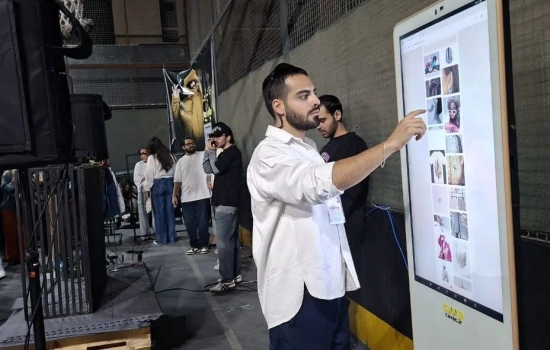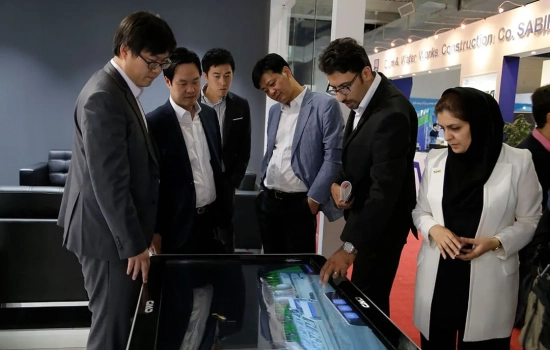
Cavac: Professional Rental Services forAndroid Touch Kiosks Windows Touch KiosksLarge Interactive Displaysin Exhibitions, Conferences & Congresses.
Over a Decade of Excellence in Interactive Solutions
Cavac is a leading importer of large-scale touch displays with more than 10 years of experience. We specialize in providing premium rental services for various interactive hardware, ensuring your events are modern, engaging, and professional.
How to Rent a Touch Kiosk: A Step-by-Step Guide
Everything you need to know about renting Cavac interactive displays.
1. Visual Selection & Inquiry
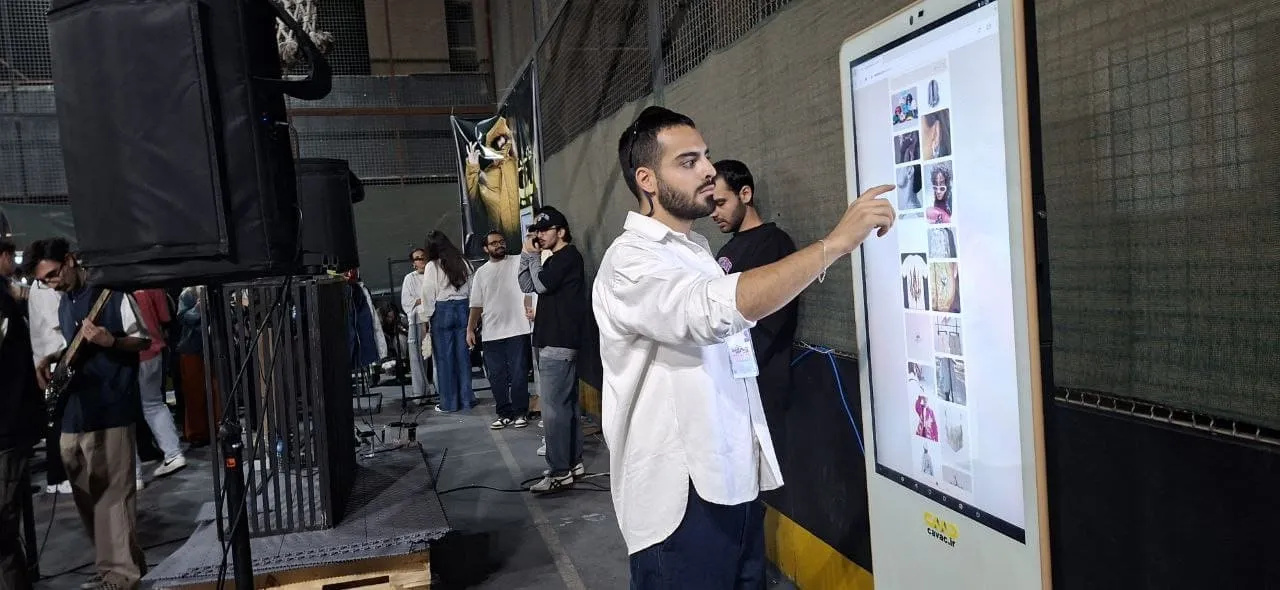
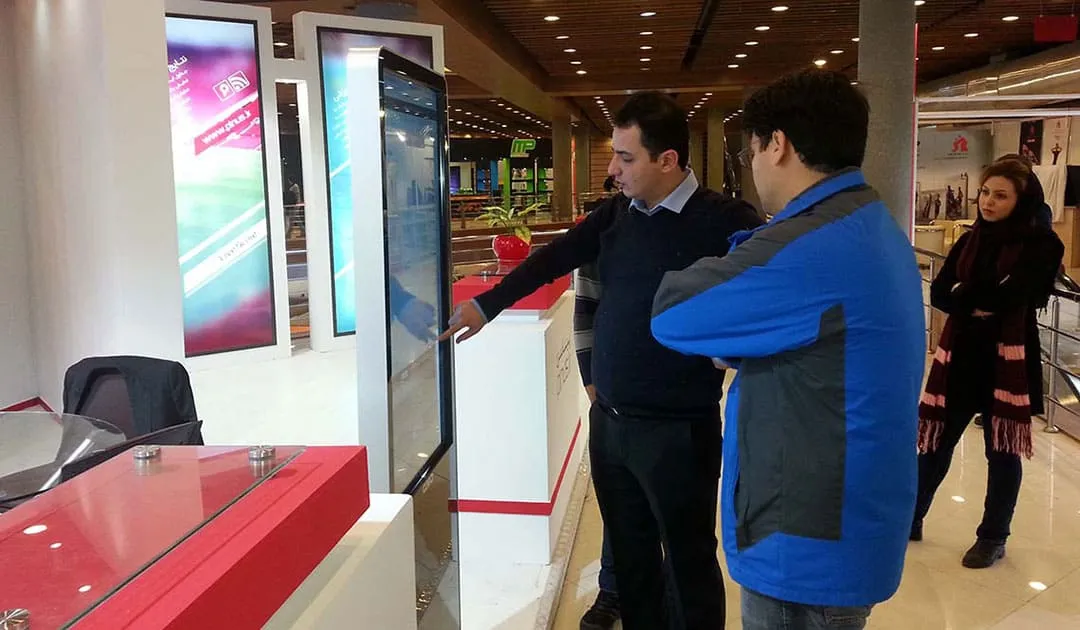
The first step is to see the available hardware. Since aesthetics are key for exhibitions, we recommend contacting our specialists via WhatsApp or Telegram to receive the latest photos and videos of our current inventory.
2. Choosing the Right OS (Windows vs. Android)
Once you’ve selected the physical appearance, consider your content:
- Android Kiosks: Best for websites, simple apps, and video playback. They are generally more user-friendly and cost-effective.
- Windows Kiosks: Essential if your software is a professional Windows-based application or requires heavy processing.
3. Technical Verification & Pre-Event Testing
To ensure a flawless experience during your event, we highly recommend sending your technical representative to the Cavac office a few days before the exhibition. This allows you to test your content on the actual device and ensure everything is optimized.
Elevate Your Exhibition Presence with Interactive Solutions
Why leading companies choose Touch Kiosks and Interactive Displays for their booths?
Participating in industry-related exhibitions is a core marketing strategy for acquiring new leads, retaining current clients, and reviving past business relationships. Beyond direct sales, consistent presence in these events is vital for Brand Equity and maintaining top-of-mind awareness.
Over the past decade, Interactive Systems—specifically large-scale touch displays—have become the gold standard for effective audience engagement. In a crowded exhibition hall, a touch-enabled booth transforms passive visitors into active participants.
Explore Our Range of Solutions:
In this guide, we provide comprehensive information on our rental fleet, including:
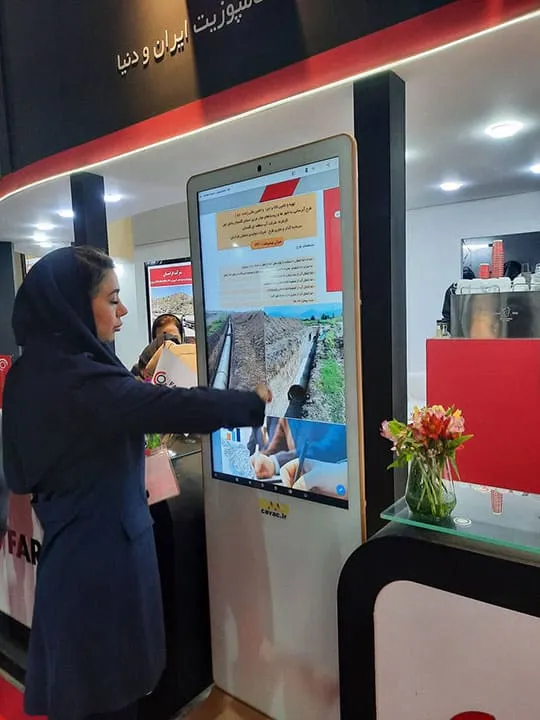
- Interactive Touch Kiosks & Stands
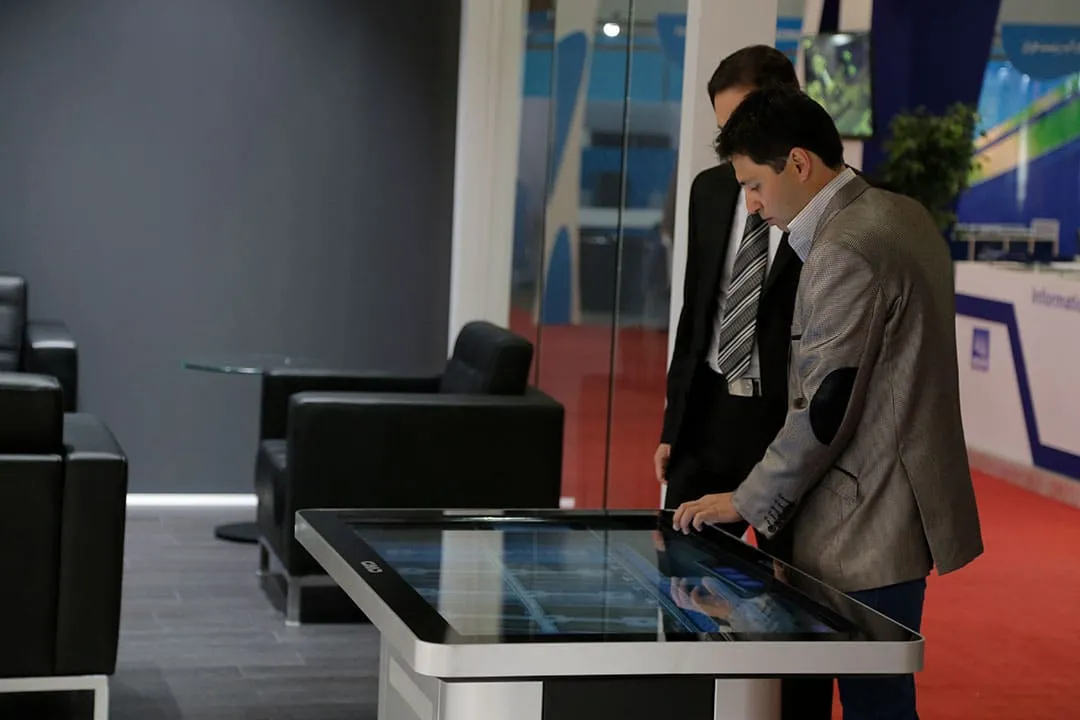
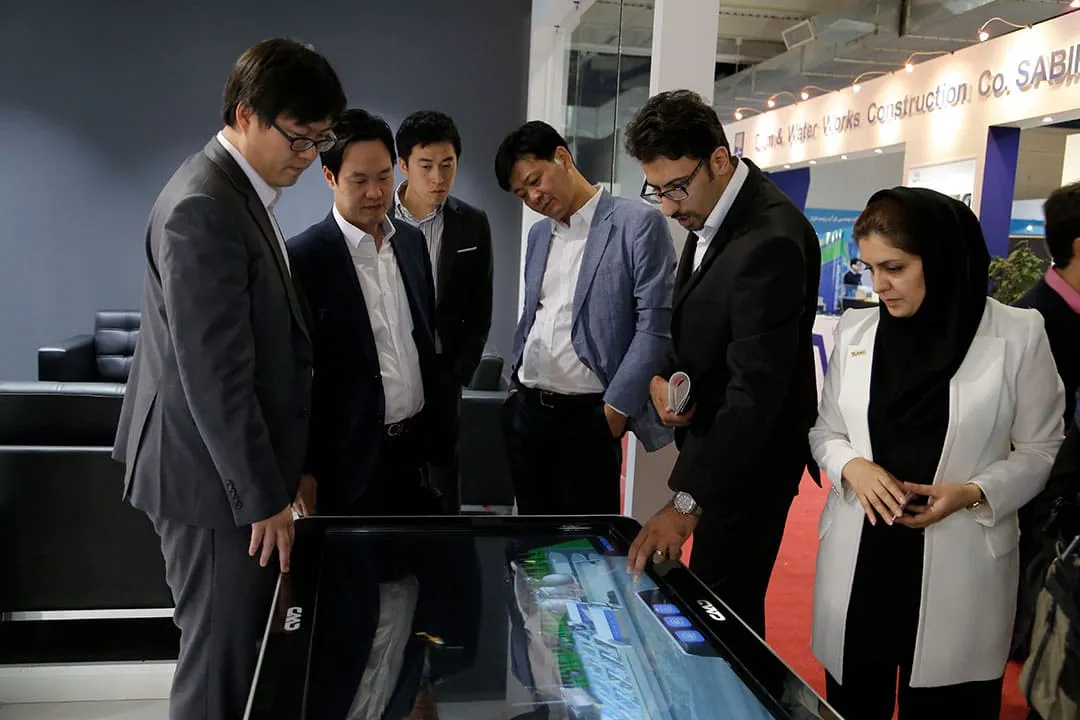
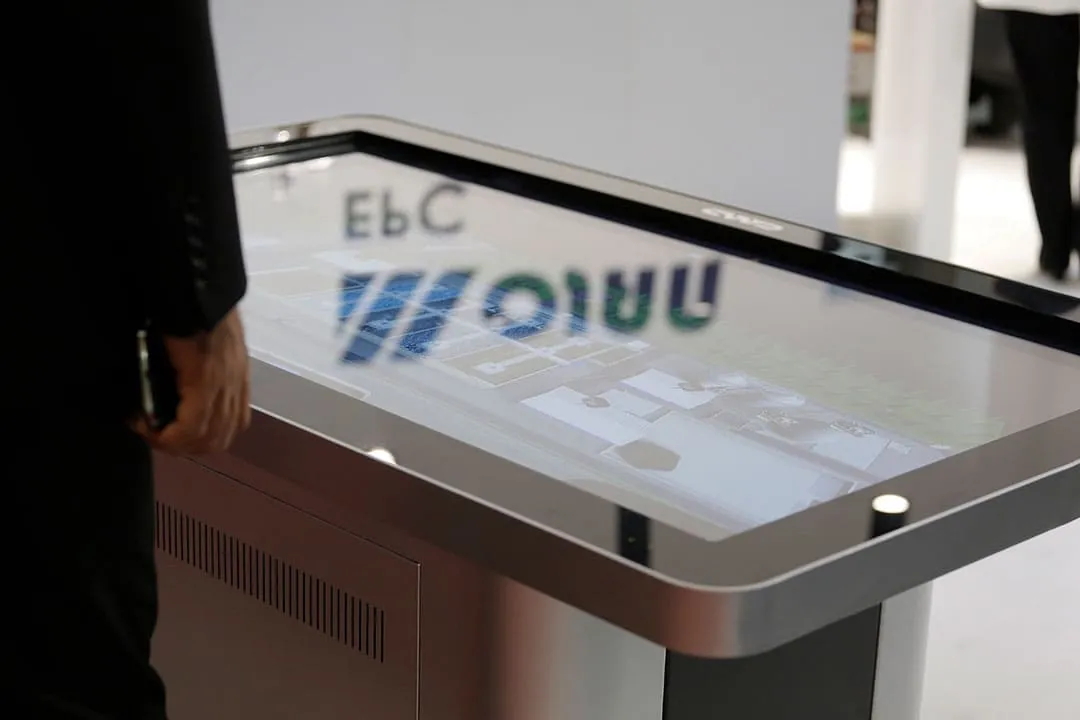
- Touch Tables for collaborative presentations.
- Large-Scale All-in-One (AiO) Touch Computers (Wall-mounted or on stands).
Our rental specialists at Cavac are ready to answer your questions and provide tailored advice for your next event.
Where to Start? Is a Touch Display the Right Investment for You?
At Cavac, we believe in providing value over just renting equipment. Over the past decade, we have encountered many clients who were encouraged to rent touch displays without a clear strategy. Given the rising costs of exhibition participation, your goal should be maximum engagement with minimum unnecessary expense.
Ask Yourself Before Renting:
Before being influenced by trends, consider this: "What specific content will I display, and how exactly will visitors interact with it?"
When a Touch Display Might NOT Be Necessary:
In some cases, renting an interactive table or stand may not be the most efficient use of your budget. For example:
- Physical Product Interaction: If your actual products are present at the booth and can be touched and tested by visitors, they will almost always prefer the real experience over a digital representation.
- Lack of Interactive Content: If you only plan to play a simple loop of videos or photos, a standard (non-touch) large TV is often a more cost-effective choice.
Our goal is to ensure that if you rent from us, it results in a measurable impact on your brand's engagement.
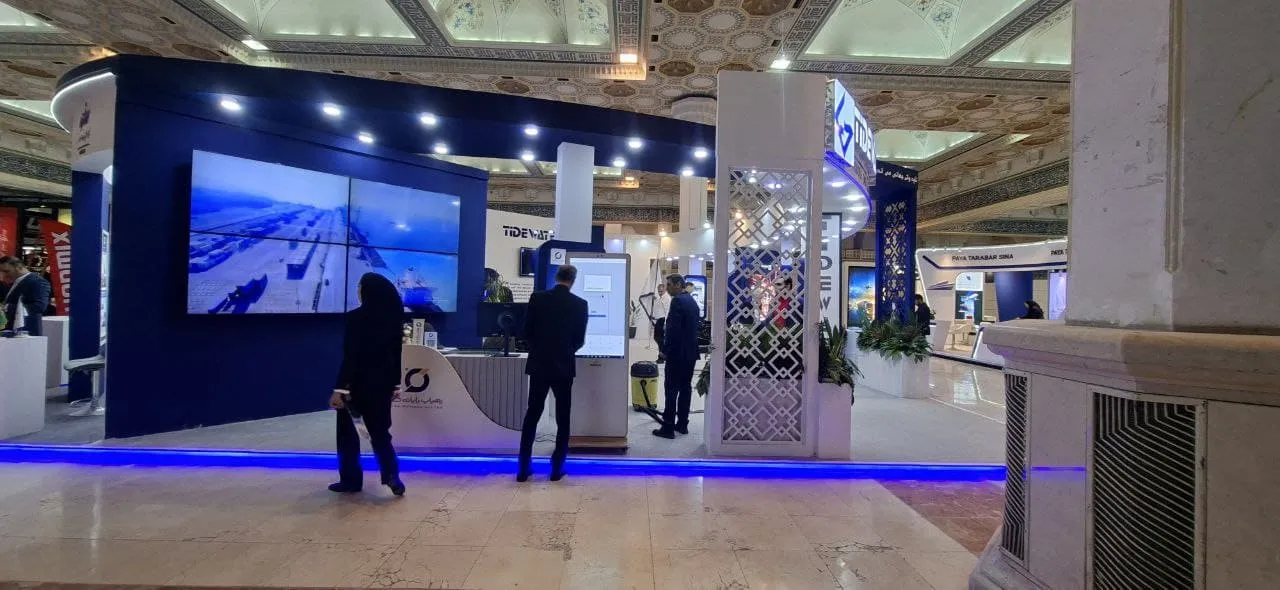
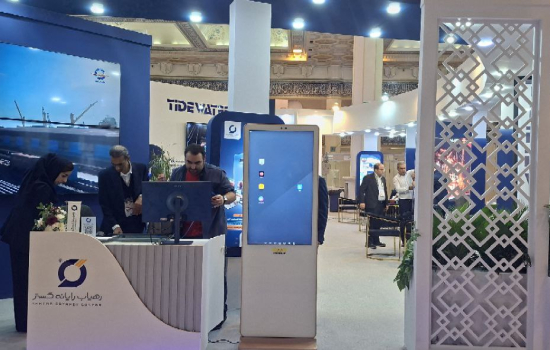
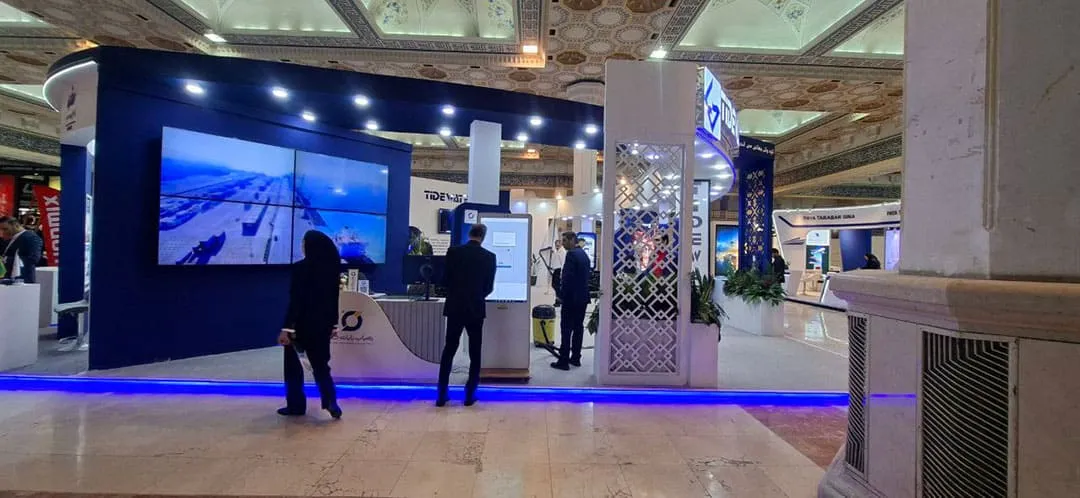
Rental of Cavac Touch Screen Stand in Rahyab Ryan Exhibition Booth
In the 2025 Transportation, Logistics, and Related Industries Exhibition
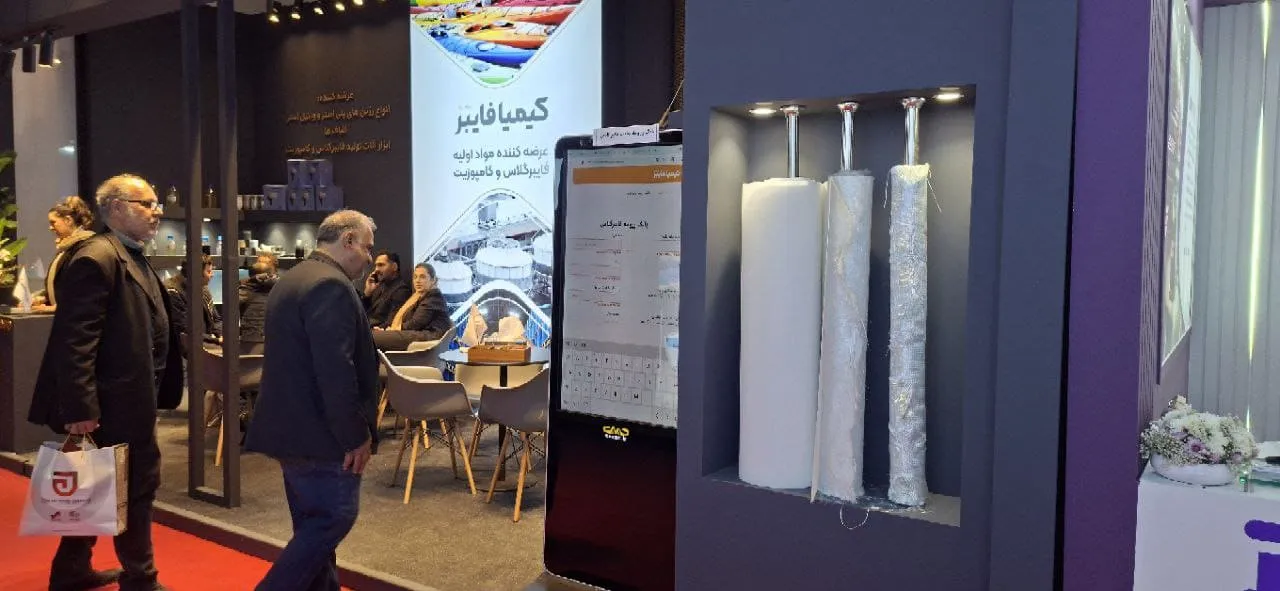
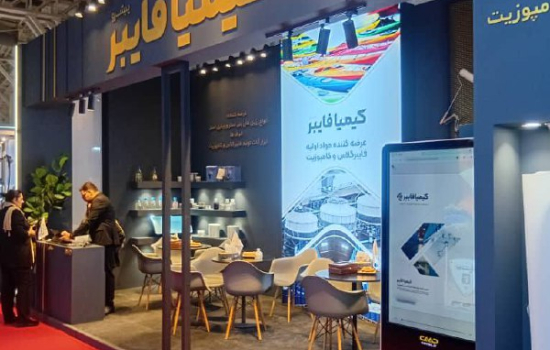
Rental of 47-inch Cavac touch screen stand at Kimya Exir Adely booth.
In the 2025 International Paint and Resin Exhibition
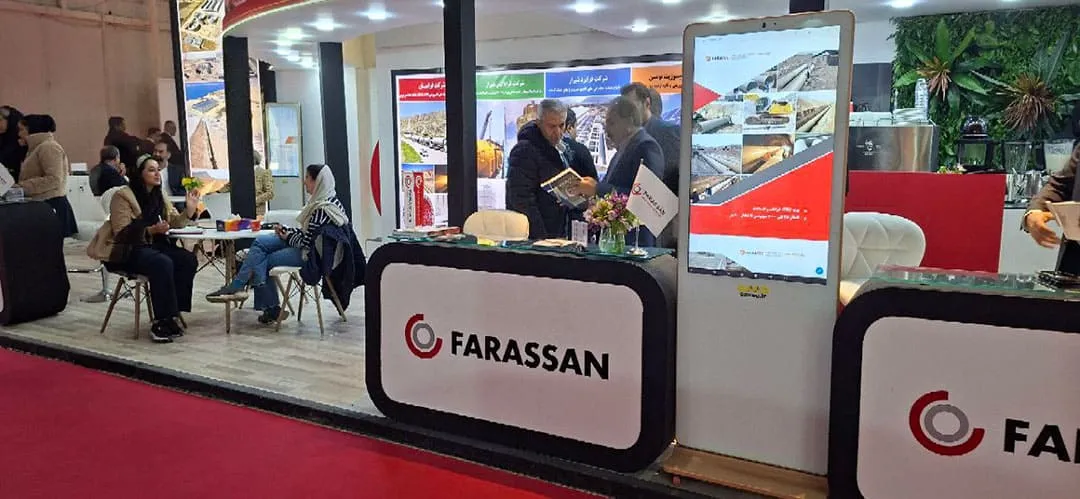
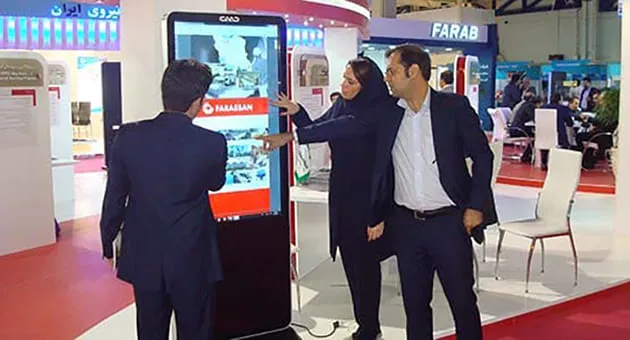
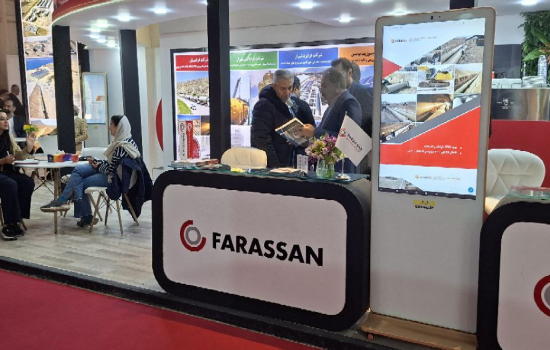
Rental of 43-inch Cavac touch screen stand in Frasian exhibition booth
In the 1404 Water and Wastewater Exhibition
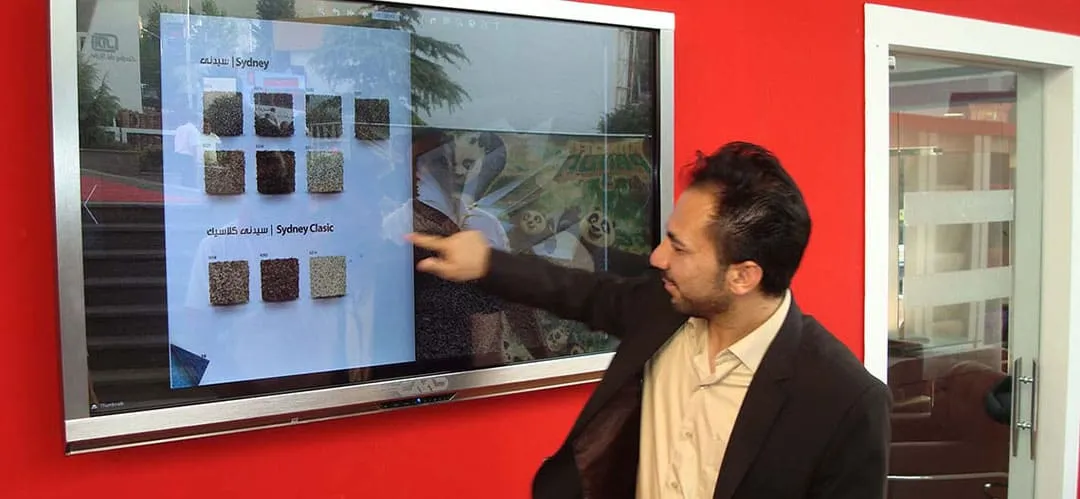
Rental of Cavac touch display in a delicate illustrated exhibition booth
In the Building Industry Exhibition 2016
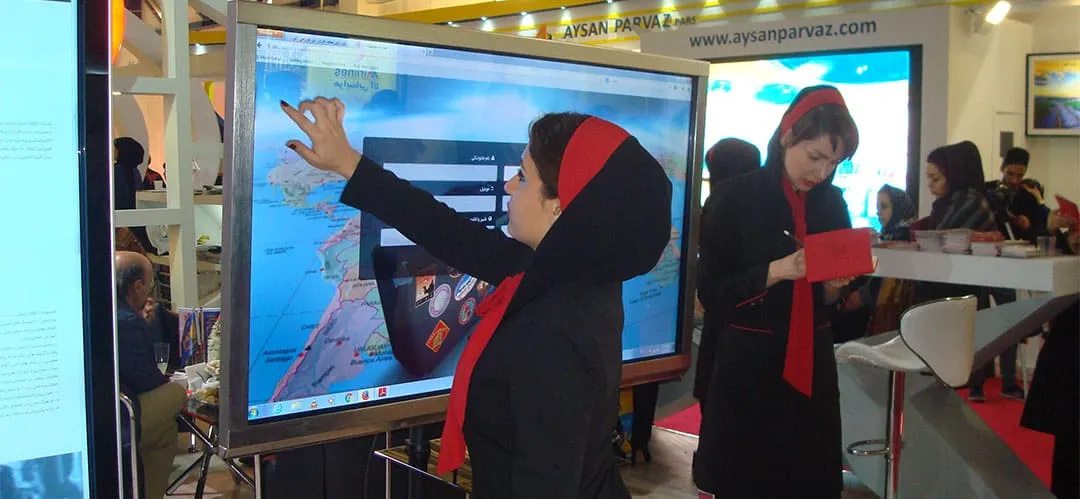
Rental of Cavac touch screen stands at Golfam Safar exhibition booth
In the 2016 Tourism Industry Exhibition
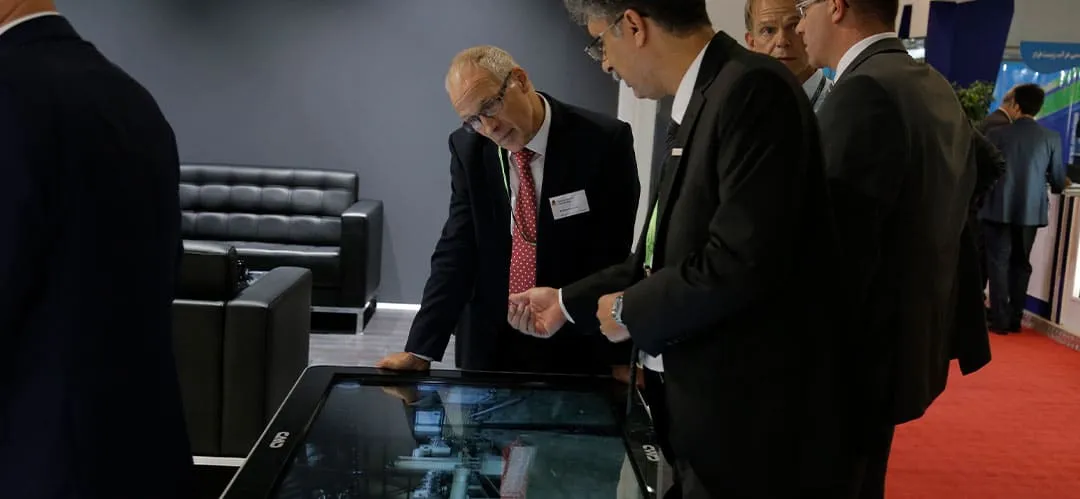
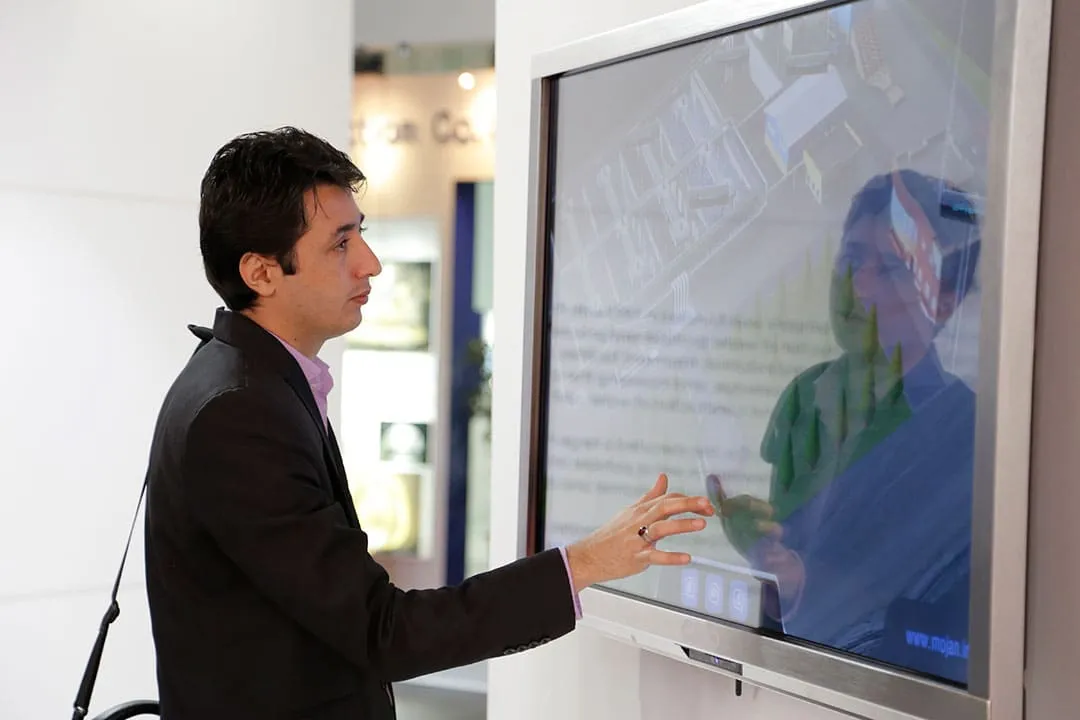
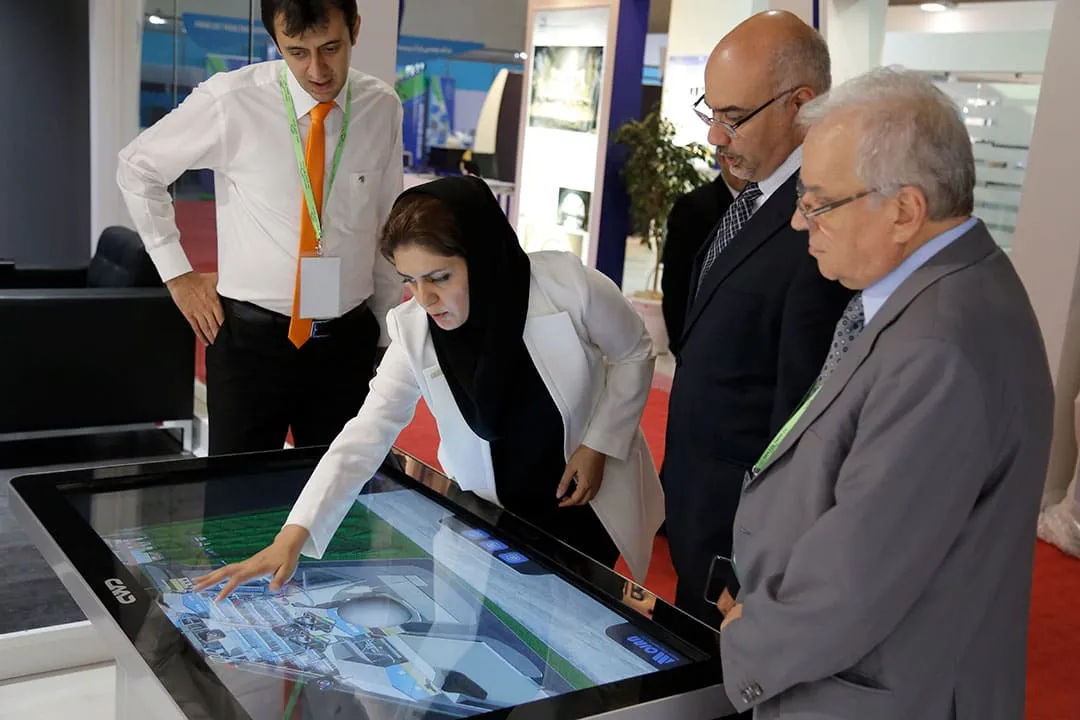
Rental of Cavac touch tables at the Mojan exhibition booth
In the Water and Wastewater Industry Exhibition 2015
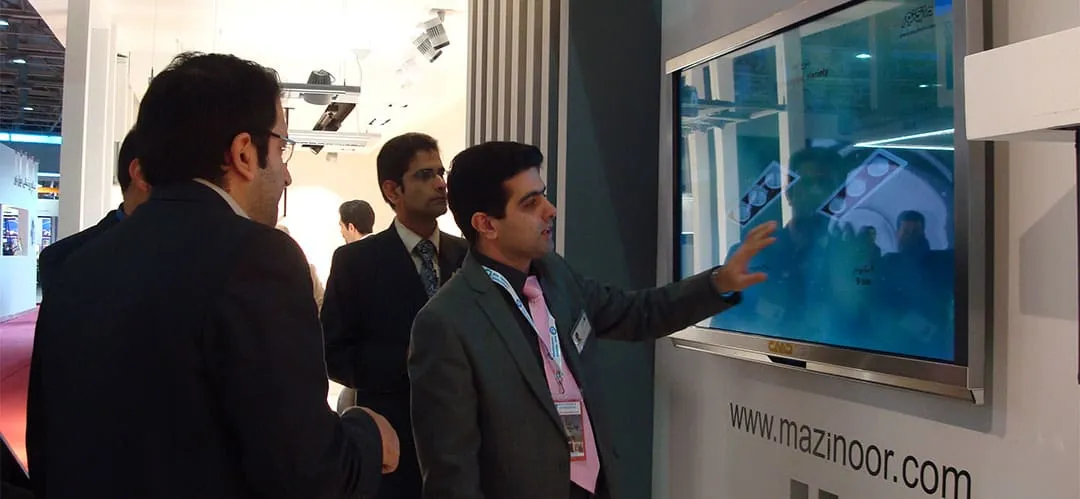
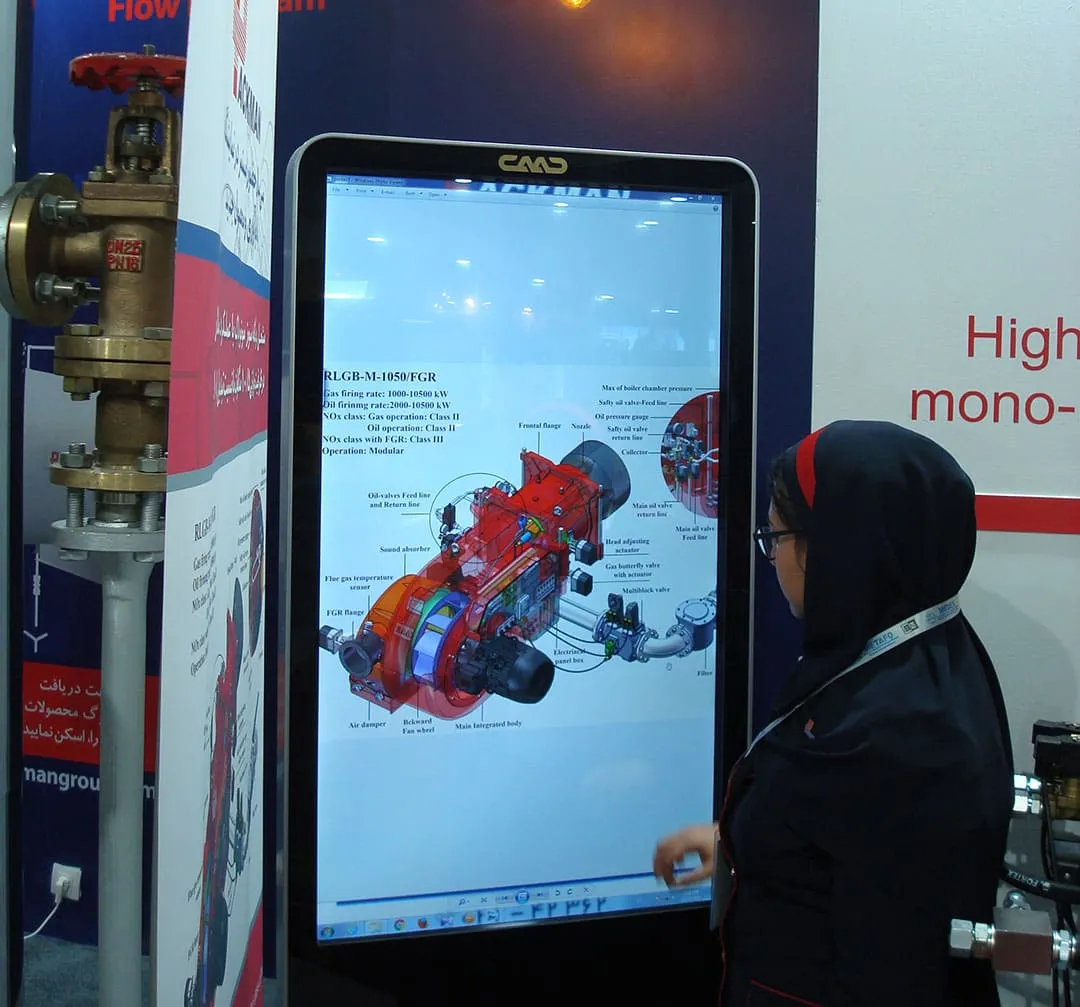
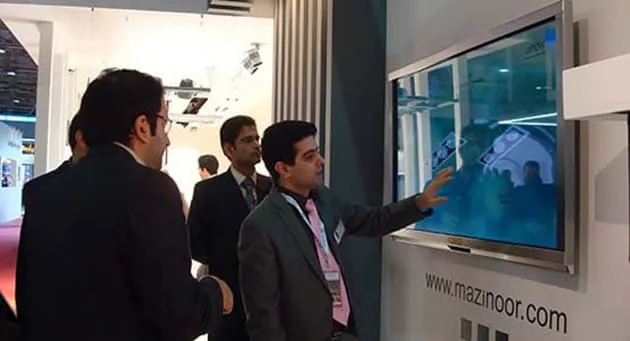
Rental of a touch-screen Cavac computer at the Mazinour display booth.
In the 2014 International Lighting and Illumination Exhibition
Which Interactive Solution is Right for Your Booth?
Which type of display-based touch equipment should I rent for my trade show booth?
Choosing between a Touch Stand, Touch Table, or All-in-One Display.
Selecting the right hardware depends on more than just preference; it’s about your business goals and physical constraints. Consider these 4 critical factors before making your choice:
- Business Nature & Products: What are you showcasing? High-end software, a digital catalog, or a complex architectural model?
- Content Strategy: Is your content designed for a standing interaction (Stand/Wall) or a collaborative group discussion (Table)?
- Booth Construction Permits: Do you have a custom-built booth with reinforced walls, or are you using standard exhibition partitions?
- Booth Layout & Traffic: Is your booth an "Open Walk-in" design, or are you separated from the audience by a counter?
Strategic Recommendations:
- When to choose a Touch Stand or Touch Table: If you are not constructing a custom booth or are using standard modular partitions, Touch Stands and Tables are your best options. They are self-supporting, require no wall mounting, and can be placed anywhere to draw in foot traffic.
- When to avoid Wall-Mounted Displays: Large All-in-One touch computers require solid, reinforced walls for safety. They should never be mounted on standard thin partitions or unstable exhibition spacers. In such cases, a mobile stand or a touch table is a significantly safer and more practical choice.
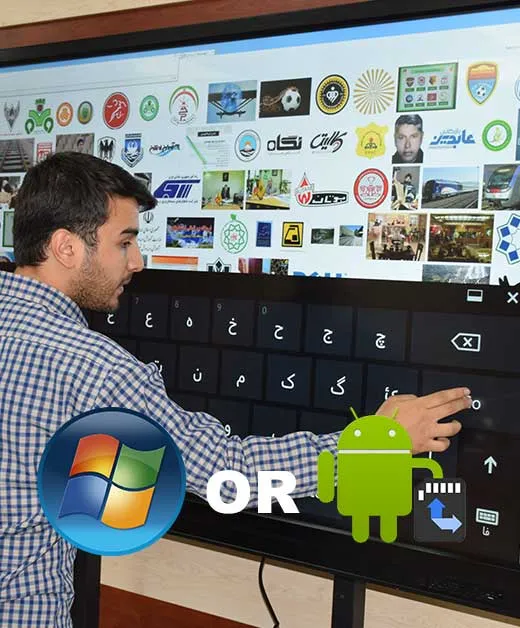
The Android operating system has higher performance than the Windows operating system!
When renting a touch kiosk for an exhibition, one of the most critical decisions is the Operating System (OS). Based on a decade of experience at Cavac, we have found that Android-based systems are often the more efficient and reliable choice for our clients.
Scenario 1: Planned Content (The Proactive Approach)
Most companies prepare their content in advance—usually as a responsive website, a dedicated Android App, or multimedia files. In these cases, Android handles the interaction flawlessly, providing a smooth and mobile-like experience that visitors are already comfortable with.
Scenario 2: Last-Minute Preparation (The Realistic Approach)
If your content isn't fully ready and you need to display a gallery of raw images and videos, Android’s media handling is simple, fast, and highly stable. It eliminates the complexities of Windows while maintaining professional visual quality.
Why We Recommend Android for Rentals:
- Reliability & Silence: Windows systems (OPS) often involve cooling fans that can create noise and are more susceptible to hardware stress during frequent transport. Android systems are typically fanless, silent, and more durable.
- Lower Maintenance: Android has fewer "background updates" or system interruptions compared to Windows, ensuring your booth runs without technical glitches during the event.
- Modern Compatibility: The trend is shifting toward specialized apps and web-based tools, all of which are perfectly supported by Android.
- When do you actually need Windows? Unless you plan to run heavy professional software like AutoCAD, 3ds Max, or Photoshop live on the screen—which is rare for a booth interaction—the power of Windows is often an unnecessary overhead.
The Starting Point: Free Testing & Technical Verification
How do you ensure a touch kiosk will truly benefit your organization? The first step is to visit Cavac’s headquarters to test your website, images, and videos on our actual hardware.
- App Verification: If your organization has developed a dedicated Android app, testing it on our rental units ensures there are no software conflicts during the event.
- Technical Training: We invite your technical representative to our office for a hands-on session. We provide full training on operating the equipment.
- Support Limits: Please note that while Cavac provides on-site hardware troubleshooting, we do not provide on-site software support at your booth. Therefore, having your trained technical representative on-site is essential.
We look forward to hosting you for a technical consultation and testing session at our office.
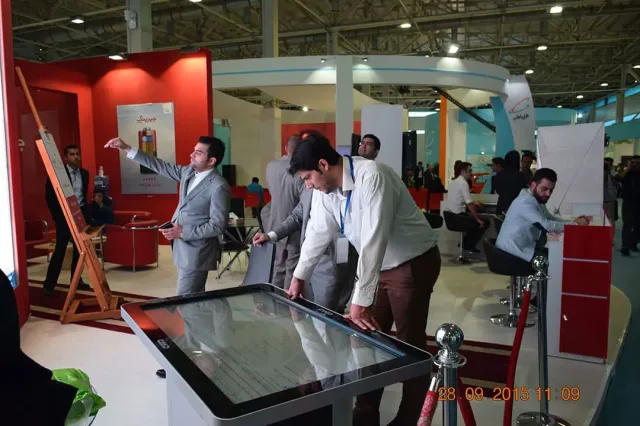
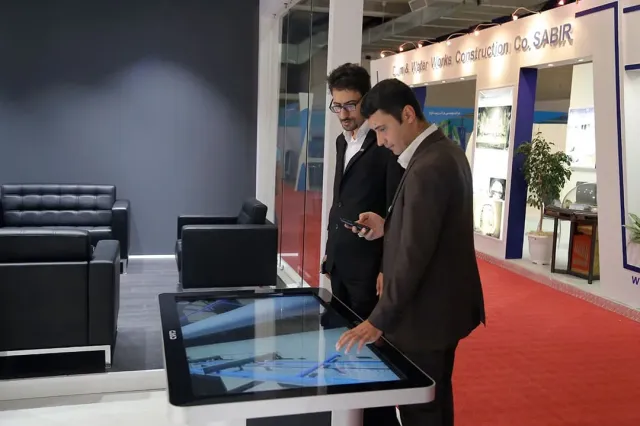
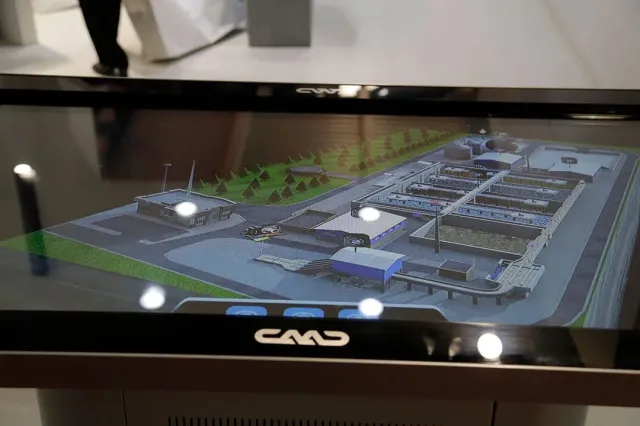
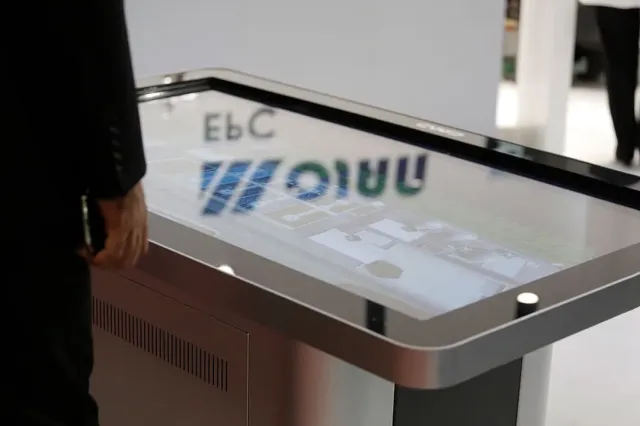
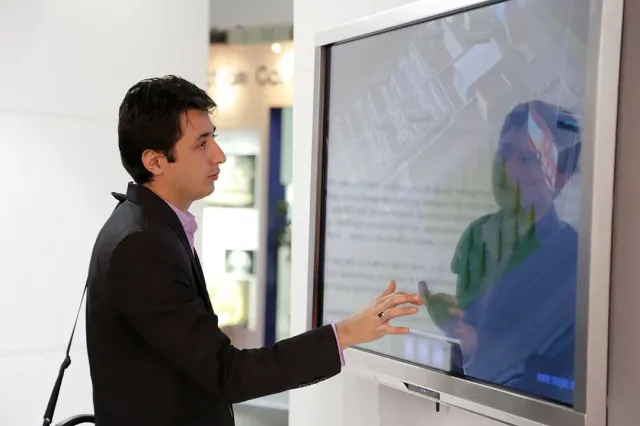
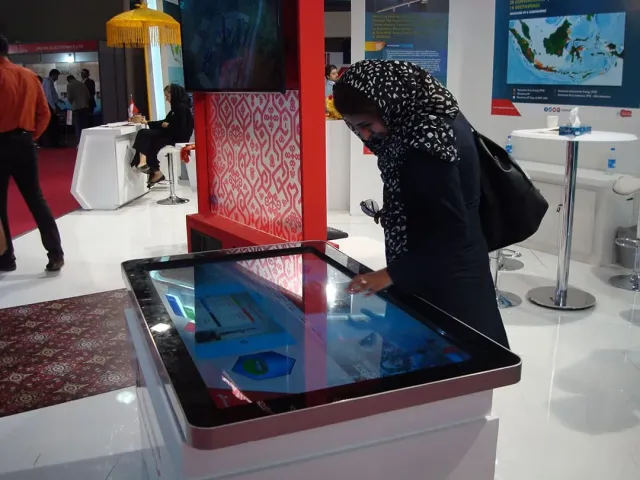
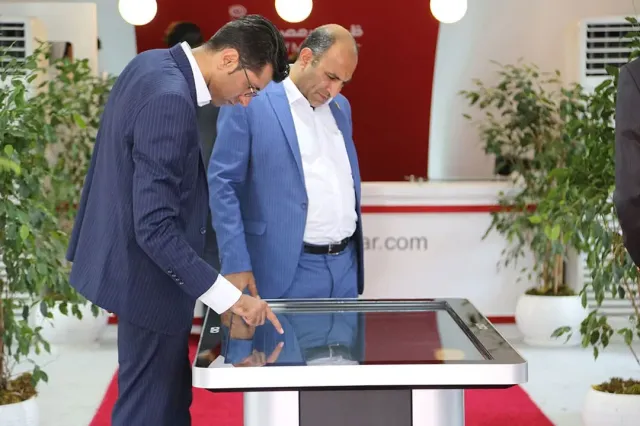
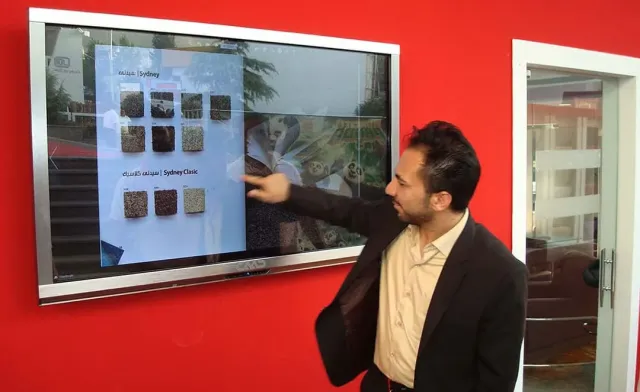
Image Gallery: Renting Touch Screens and Their Use in Exhibition Booths - Some Previous Clients of Cavac
Frequently Asked Questions about Touchscreen Displays, Touch Kiosks, and Touch Tables by Cavac
Almost all types of Cavac All-in-One (AiO) and touch displays are available for rent. Customers can consult with our sales and marketing experts regarding the timing, location, and quantity of devices needed.
Note: Due to the limited inventory of touch kiosks, touch tables, and AiO displays, we highly recommend early booking to ensure availability for your desired dates.
The Shift in Exhibition Dynamics: From Passive Spectator to Active User
Why an Interactive Booth is No Longer Optional, but Essential.
In recent years, the behavior of exhibition visitors has fundamentally changed. A decade ago, playing background music or looping videos on standard LCD screens might have been enough to draw a crowd. Today, the absence of Interactive Systems is considered a significant missed opportunity in booth design.
Why Choose Cavac Interactive Solutions?
The Era of Engagement: Today’s audience wants to control their experience. Large-scale touch displays transform your booth into a hands-on environment.
Your Website is Your Best Catalog: Most organizations have invested years into developing a comprehensive website. It is your most complete and up-to-date marketing asset.
The Perfect Presentation: The real challenge is presenting your digital world effectively. Cavac’s rental touch kiosks and tables allow you to showcase your professional website and software in an immersive, large-scale format that invites interaction.
Cavac empowers your brand to bridge the gap between digital content and physical presence through premium touch display rental services.
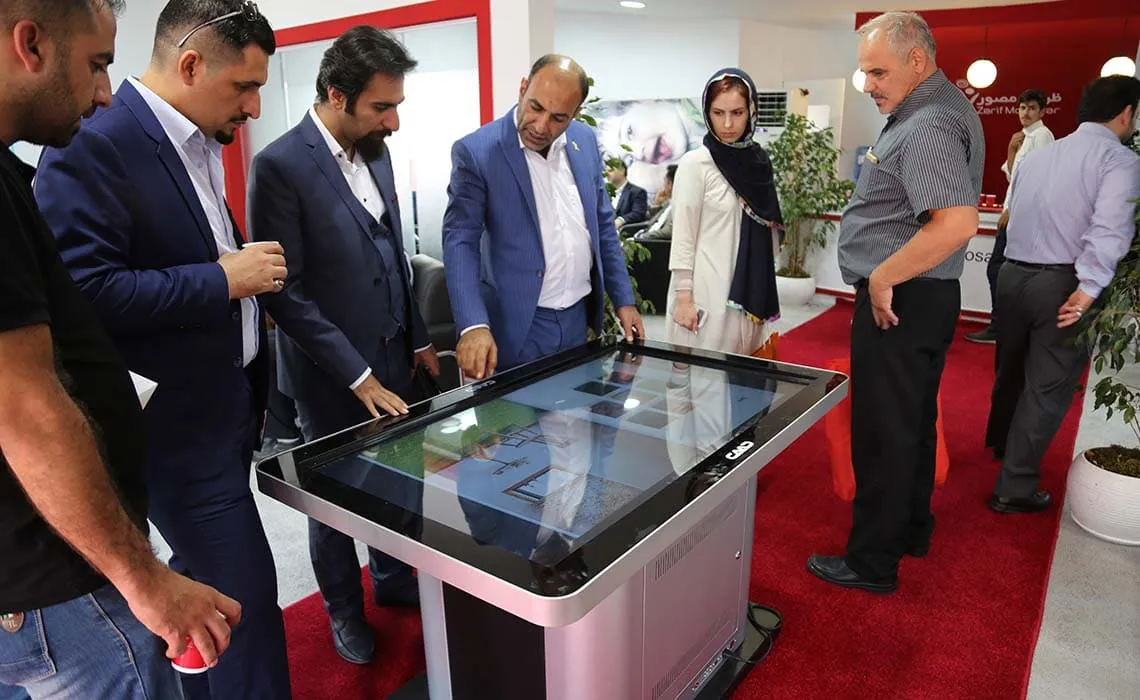
We have all experienced the high costs of multimedia design, CD/DVD production, and expensive packaging for exhibition giveaways. But ask yourself:
Do your visitors actually watch that DVD once they leave the busy exhibition environment?
Has the return on investment (ROI) ever truly matched the production and distribution costs?
It is time to take control of customer engagement on-site. With Cavac’s rental touch kiosks and large-scale interactive displays, you capture your audience’s attention right where it matters: at your booth. Instead of hoping they engage with your brand later, make it happen instantly. Switch from passive giveaways to active, memorable interactions.
It’s time to invest your marketing budget where it actually delivers results.
Cavac, as the first and only registered specialist brand in the field of touch displays, offers services with unparalleled quality. Here is why leading organizations choose us:
Premium Build Quality: All Cavac touch stands feature a robust and elegant hybrid body made of metal and glass.
Powerful Integrated PC: High-performance internal hardware is a core feature of all our interactive equipment, ensuring smooth operation.
Punctuality – Our Red Line: We guarantee delivery before the committed time. Equipment is collected promptly after the event unless the customer chooses to extend the rental period, in which case the client has full authority.
Full Logistics Coverage: Cavac takes full responsibility and covers all costs related to transportation, installation, setup, and collection of the rental units.
Complimentary Training: We provide up to two hours of free training for one or two of your staff members to ensure they are fully comfortable operating the systems.
Pre-Configuration Service: All required software is installed and tested on the internal computers prior to delivery at your exhibition booth.
24/7 Technical Support: We provide round-the-clock phone support throughout the rental period. If necessary, Cavac technicians will be dispatched to your booth for on-site assistance.
Mobility & Protection: Every unit is equipped with protective glass and heavy-duty casters (wheels). You can easily reposition the stand within your booth without needing any technical coordination.
Renting a professional touch display from Cavac is effortless. Here is all you need to do:
1. Check Availability
Due to high demand from forward-thinking companies and our limited rental inventory, the first step is to contact our experts. Verify the availability of your desired model for your specific event dates.
2. Technical Verification (Recommended)
To ensure the hardware perfectly matches your software and advertising needs, we recommend sending a technical representative to our office. This session allows you to test your website and apps on our devices, ensuring a flawless performance at your booth.
3. Sit Back and Relax!
Once the reservation is confirmed, leave the logistics to us. We handle the delivery, setup, and collection, so you can focus on your event.
Pro-Tip for Managers: Your Website is Your Best Asset
As touch displays become a standard in modern branding, we recommend optimizing your organization's website for Touch Interaction. A well-designed, responsive website is the most powerful database for your products and services.
By ensuring your site is easy to navigate on a large touch screen, you eliminate the need for costly, one-time multimedia designs for every exhibition, saving both time and budget.